Built on a real restaurant’s day.
From opening cash to the owner’s phone — each step of the day, and the screens that carry it.
- Opening
Opening cash
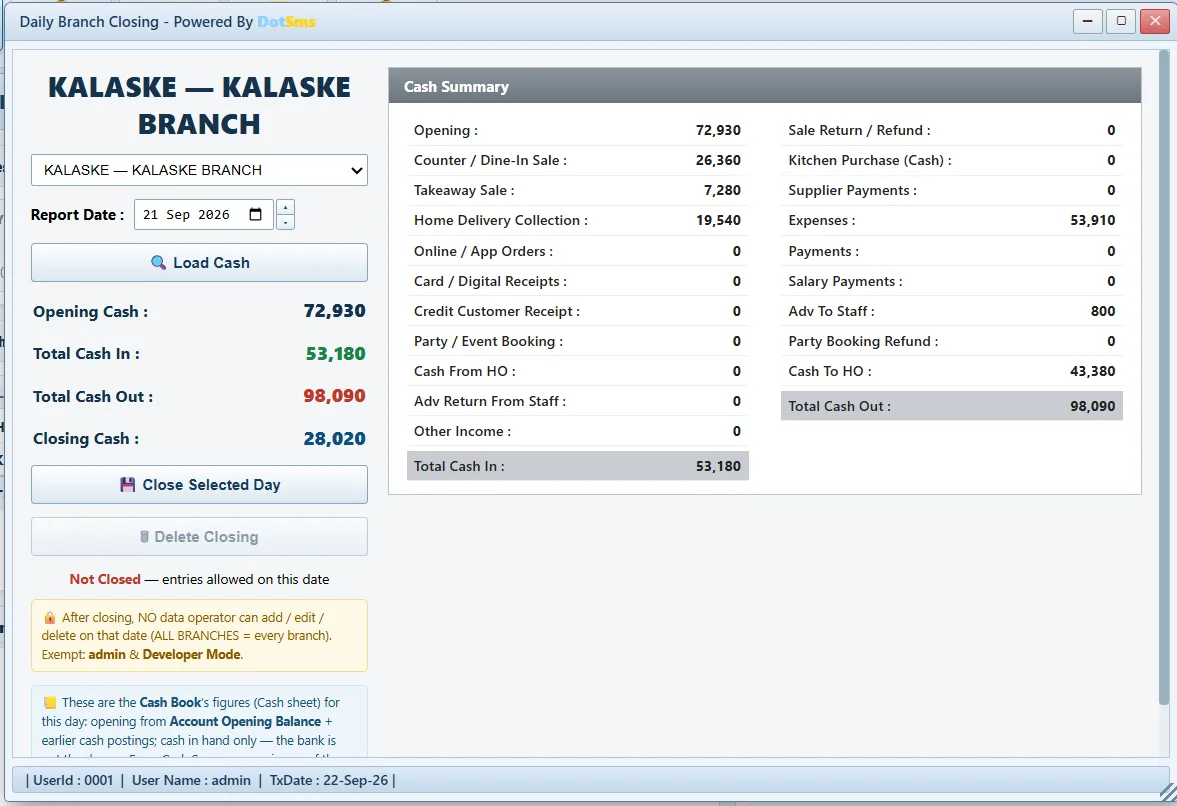
The day starts with the cash the closing left. Opening cash, cash in, cash out and closing are built from the cash book, branch by branch.
Screens: Daily Branch Closing · Cash Book
- Morning
Purchases and receipts
Deliveries are signed for at the branch with a Goods Receipt Note — serial numbers and barcodes scanned at the door. The receipt moves stock; the supplier’s bill books the purchase once, against the supplier. Chains buy through head office and the issue to the branch posts itself.
Screens: Purchase Order · Goods Receipt Note · PO Invoice · Supplier Payment
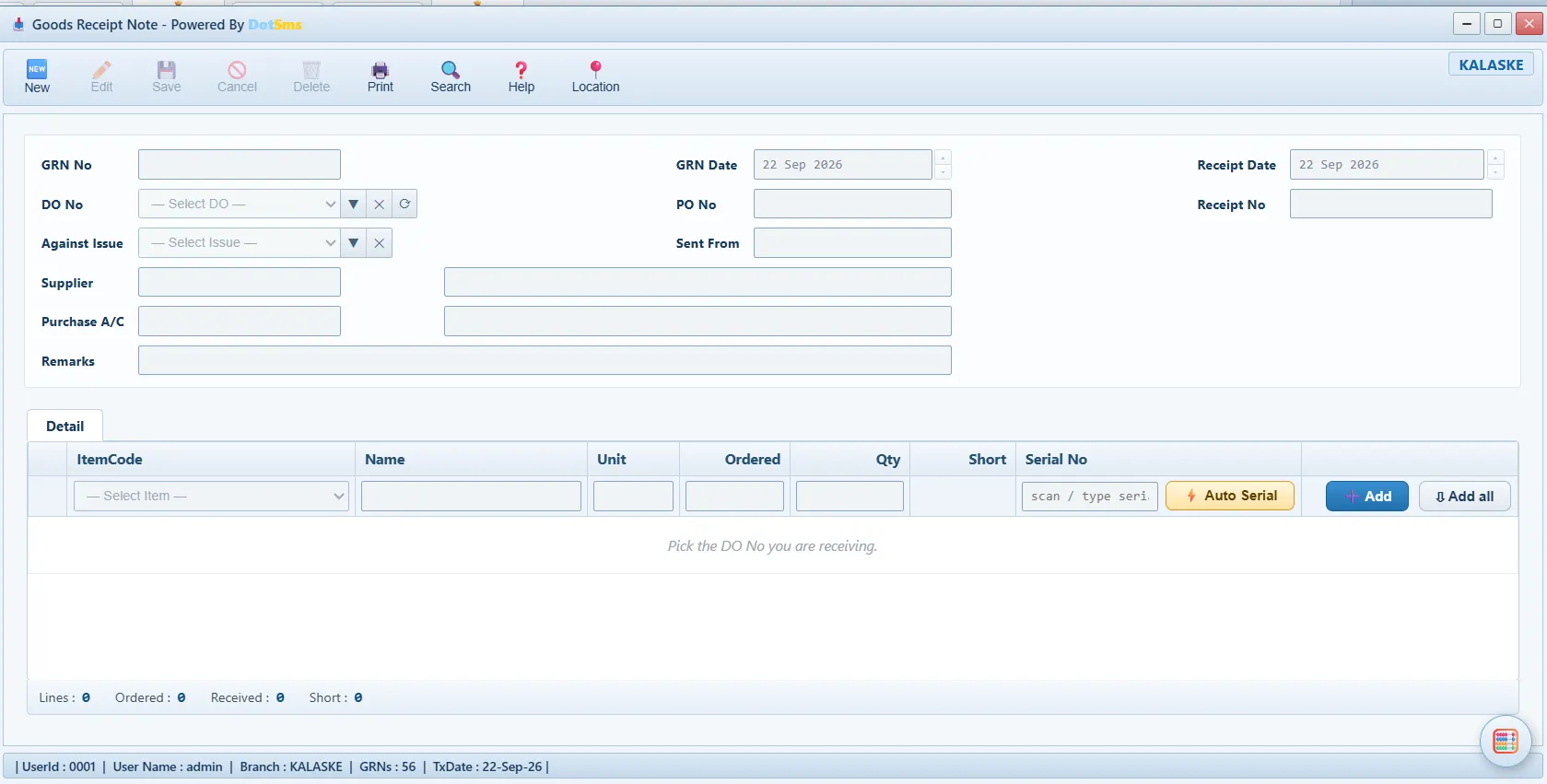
Goods Receipt Note - Prep
Kitchen batches
A batch of sauce or a tray of dough is produced from its ingredients and becomes a stock item of its own, costed from what went into the pot.
Screens: Sub-Recipe Setup · Sub-Recipe Production
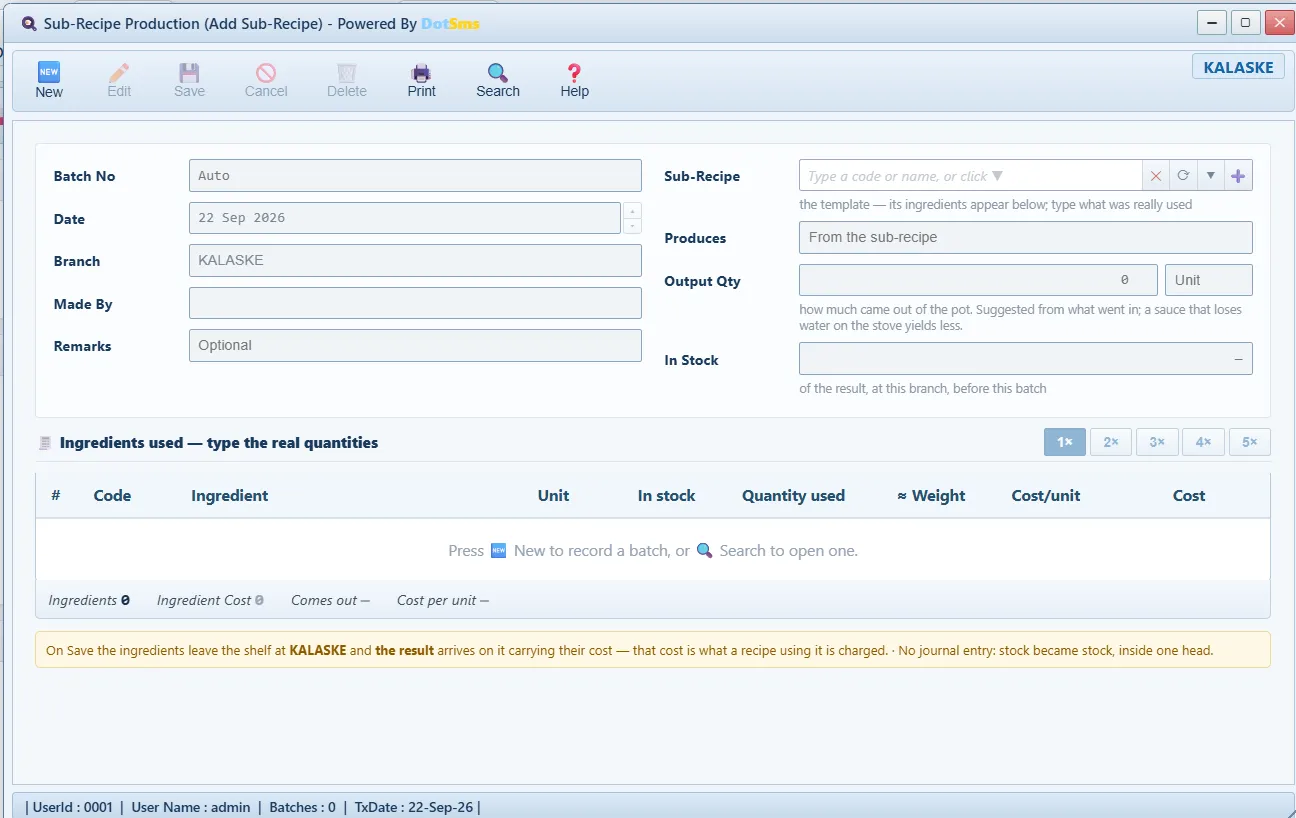
Sub-Recipe Production - Lunch
The rush on the POS and the QR tables
Counter, table and delivery orders on the touch POS; guests at a table order from their phone through the table’s QR code into the same order inbox. Combos, deals, promotions, tips, split payments and credit customers — on the same screen. Every bill takes its recipe off the shelf at that moment.
Screens: POS · Orders · Table / QR Codes · Combos & Deals · Sales Promotion
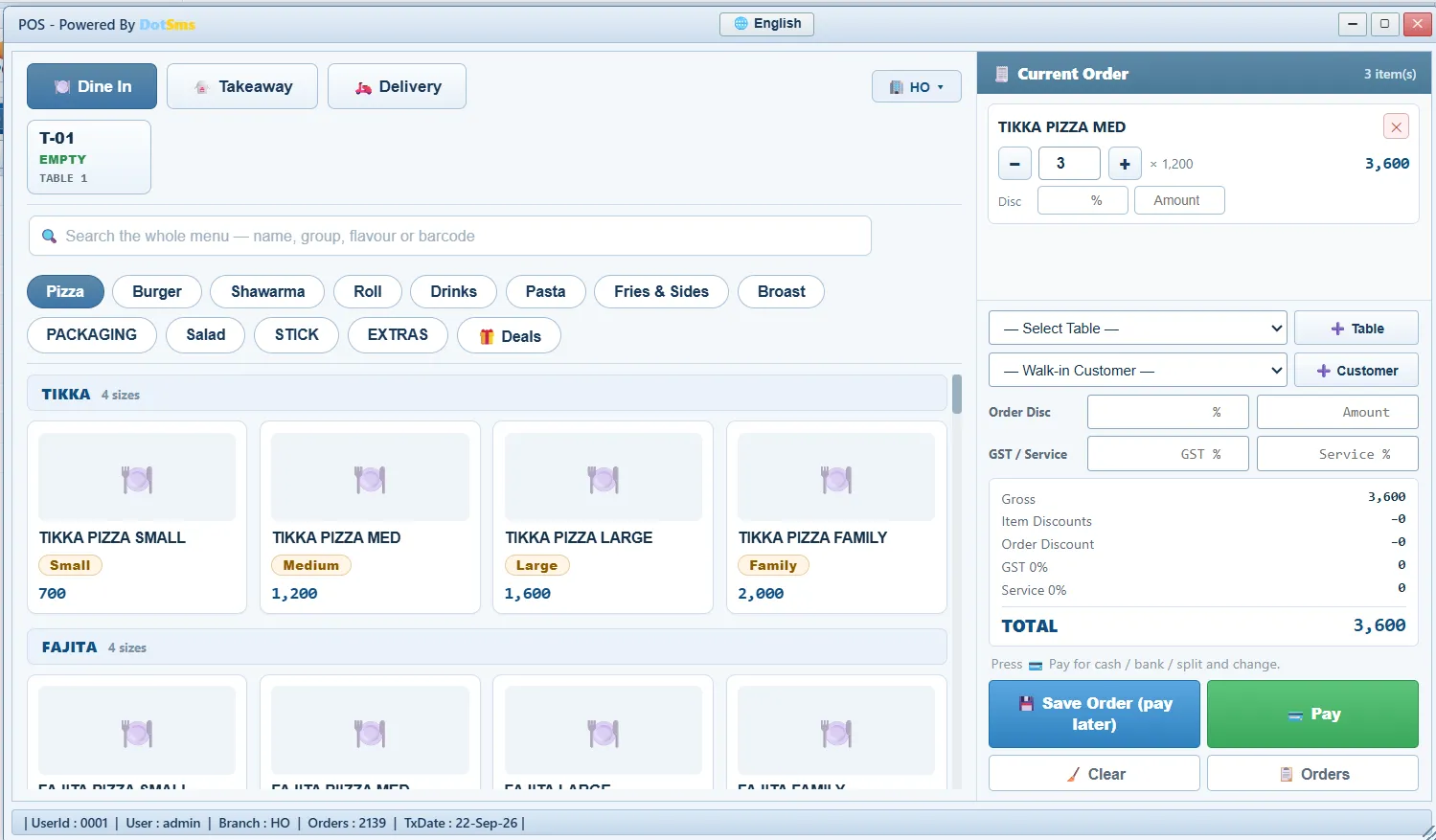
POS - Kitchen
Kitchen display and timers
Every order appears on the kitchen’s screen with a timer. Kitchen slips print straight to the thermal printer through the Print Agent — no print dialog — and the menu, kitchen slip and customer bill can carry Urdu names, switchable separately for kitchen and customer.
Screens: Kitchen Display · Printer Setup · Print Agent
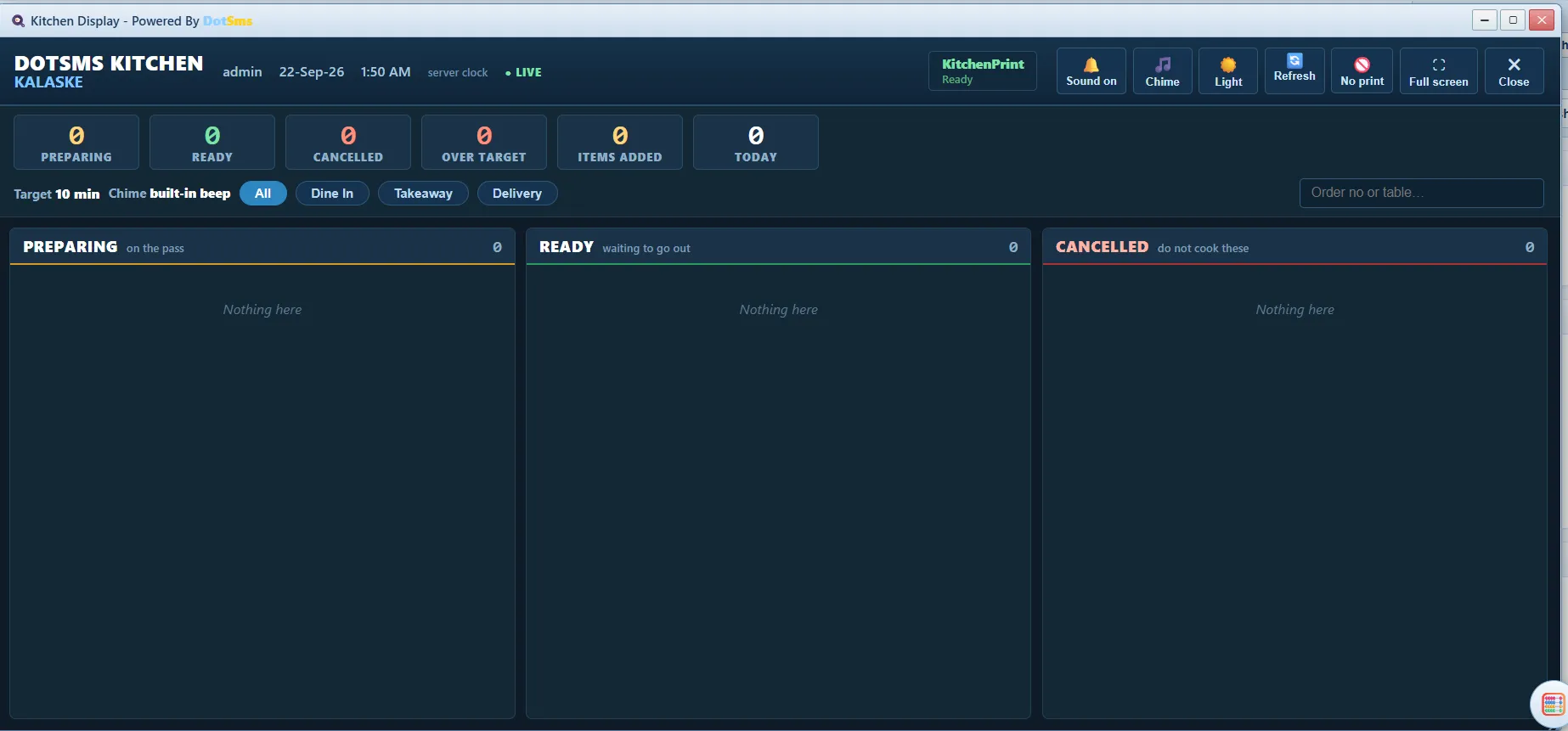
Kitchen Display - Delivery
Riders via WhatsApp
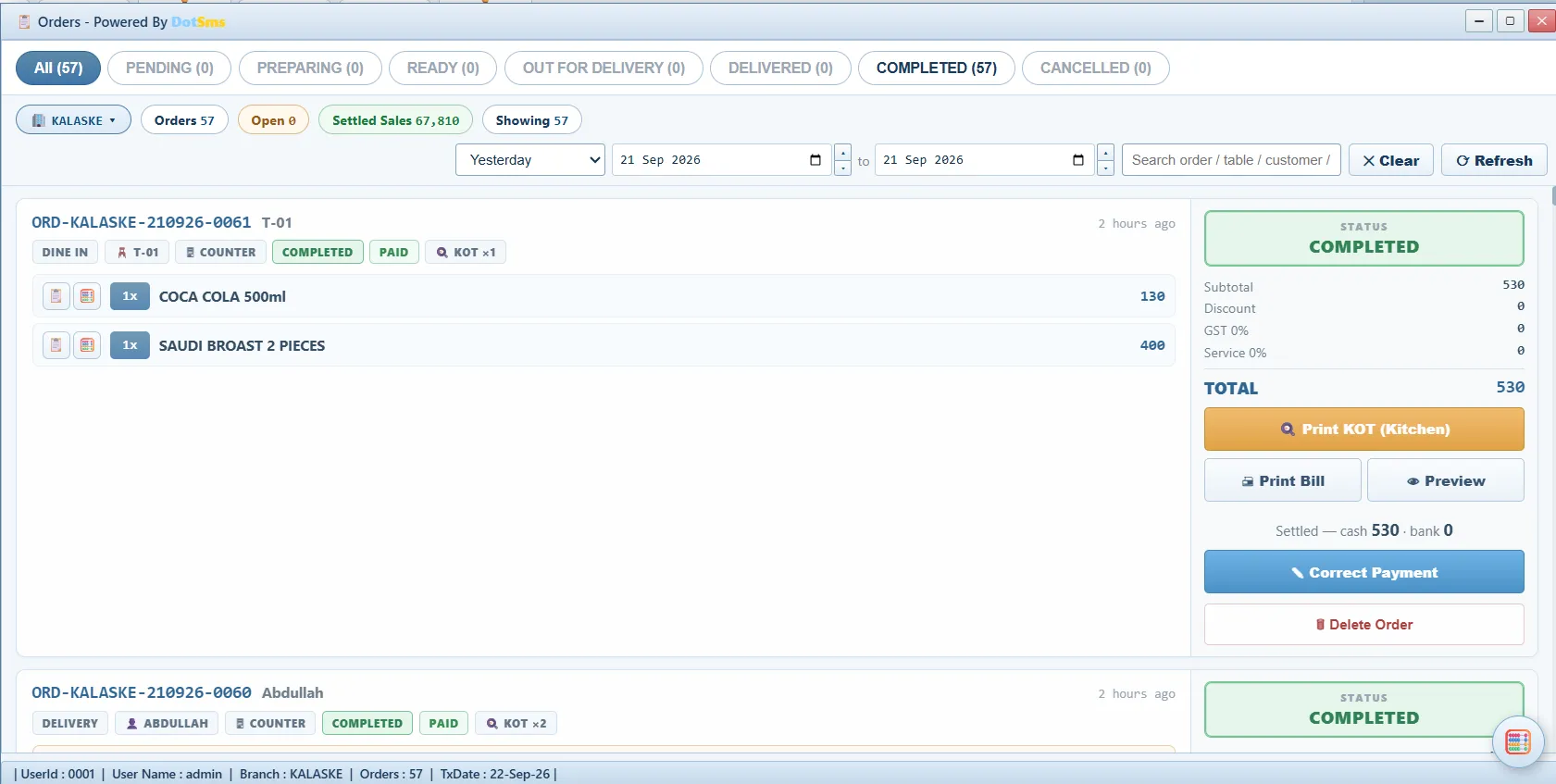
A delivery order is handed to the rider through WhatsApp from the orders inbox, with the delivery charge set per outlet.
Screens: Orders · POS — delivery
Orders inbox - Evening
Waste and the stock count
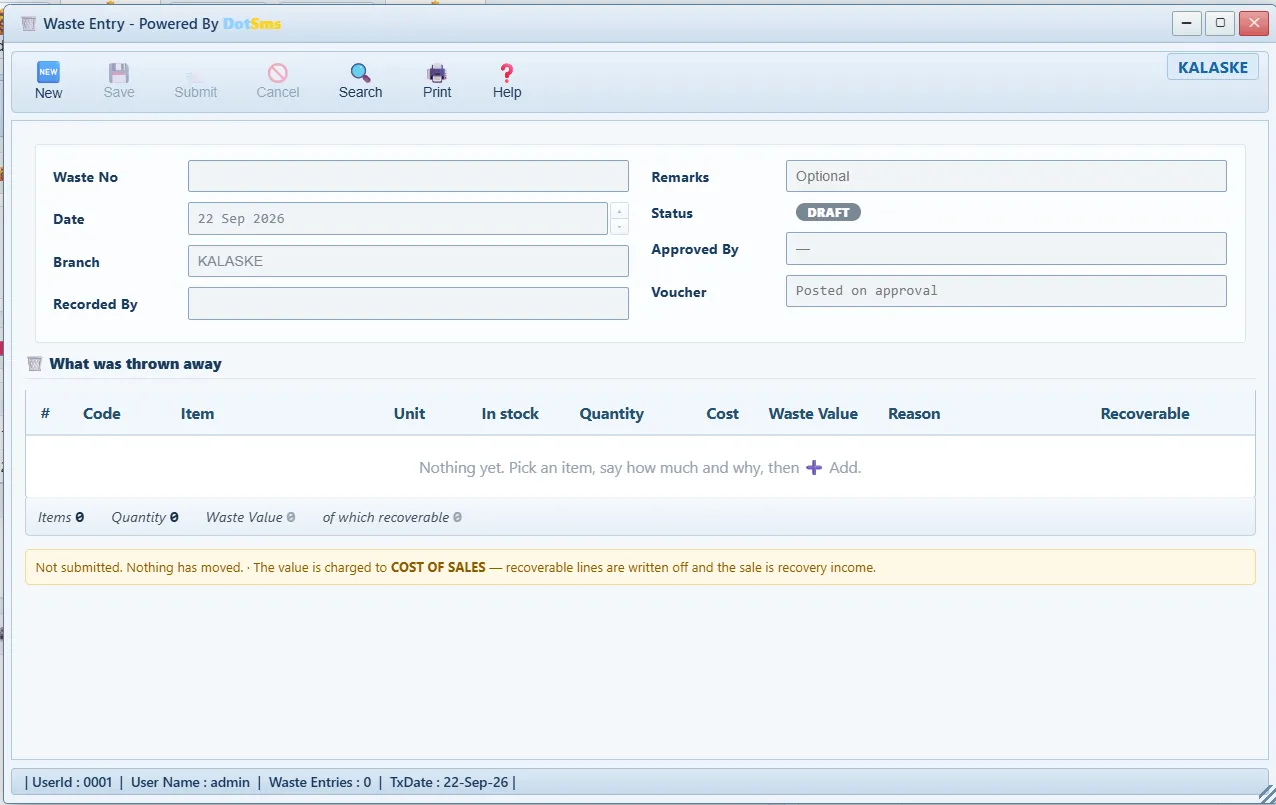
What was thrown out is entered with a reason from the policy, approved by the manager, and sold as a Recovery Sale where it still could be. The shelf is counted; the approval decides; the adjustment posts the difference.
Screens: Waste Entry · Waste Approval · Waste Recovery Sale · Stock Reconciliation · Stock Reconciliation Approval · Stock Adjustment
Waste Entry - Closing
Daily Branch Closing
The end-of-day cash statement closes the day. A closed day cannot be changed by anyone — not even the admin — without re-opening it, and the re-opening is itself recorded.
Screens: Daily Branch Closing
Daily Branch Closing - Anywhere
The owner’s phone
Today’s sales, cash, expenses and profit per branch, stock alerts, and the ERP’s own reports on the Dot Sms Owner app — with a push alert when sales cross a milestone, a branch closes at a loss, or stock goes negative.
Screens: Dot Sms Owner
Urdu menu, slips and bills
Set the POS to Urdu and the menu, kitchen slip and customer bill carry the Urdu names — kitchen and customer separately switchable.
Straight to the thermal printer
A small program on the counter PC prints kitchen slips and bills directly, with no print dialog. Nothing else to install — the ERP runs in Chrome or Edge.
The counter keeps working
Orders rung up on a bad line are kept in the browser and sent when the line returns; a slow line is named on screen.
See it on your own menu.
A demo runs on your own menu and your own branches; nothing to install.